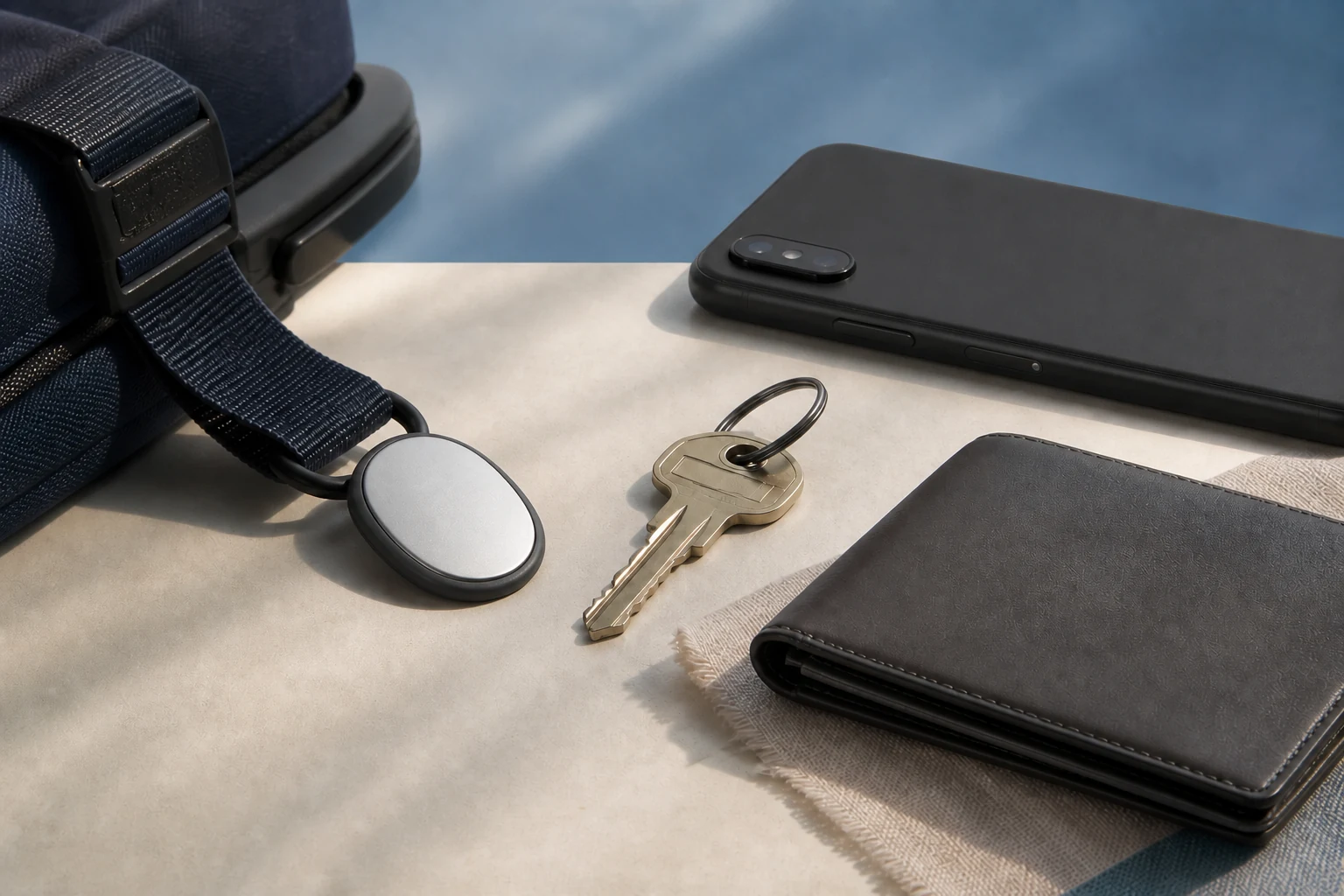
$29 is the announced US price, with sales scheduled for November 11
Google says one Pixel Tag will cost $29 and a four-pack will cost $99 when sales begin November 11. The announcement directs readers to Google Store for availability, so do not turn those figures into a confirmed price or shipping date in every country. Check the live region, tax, delivery, warranty, and return terms when orders open.
Android Central reports that the tag does not have a dedicated keyring hole, so keys and bag straps require a separate case or holder. Add that accessory and a spare battery to the total, then decide whether the tag will sit inside a wallet or luggage compartment or needs to be attached outside.
Android 9 pairing and precision finding are separate compatibility checks
Google says the tag can pair through Fast Pair when it is brought near a compatible Android device running Android 9 or later. That baseline does not mean every phone can show precise direction and distance. Precision finding requires UWB support on both the tag and the Android phone, with the relevant settings enabled.
Google's help page says UWB availability varies by tag, phone model, and Android version and provides a changing list of supported device families. Android Central reports that Bluetooth Channel Sounding requires Android 16 and Bluetooth 6.0. Verify the exact phone specification and current Find Hub help before ordering instead of relying on the model name alone.
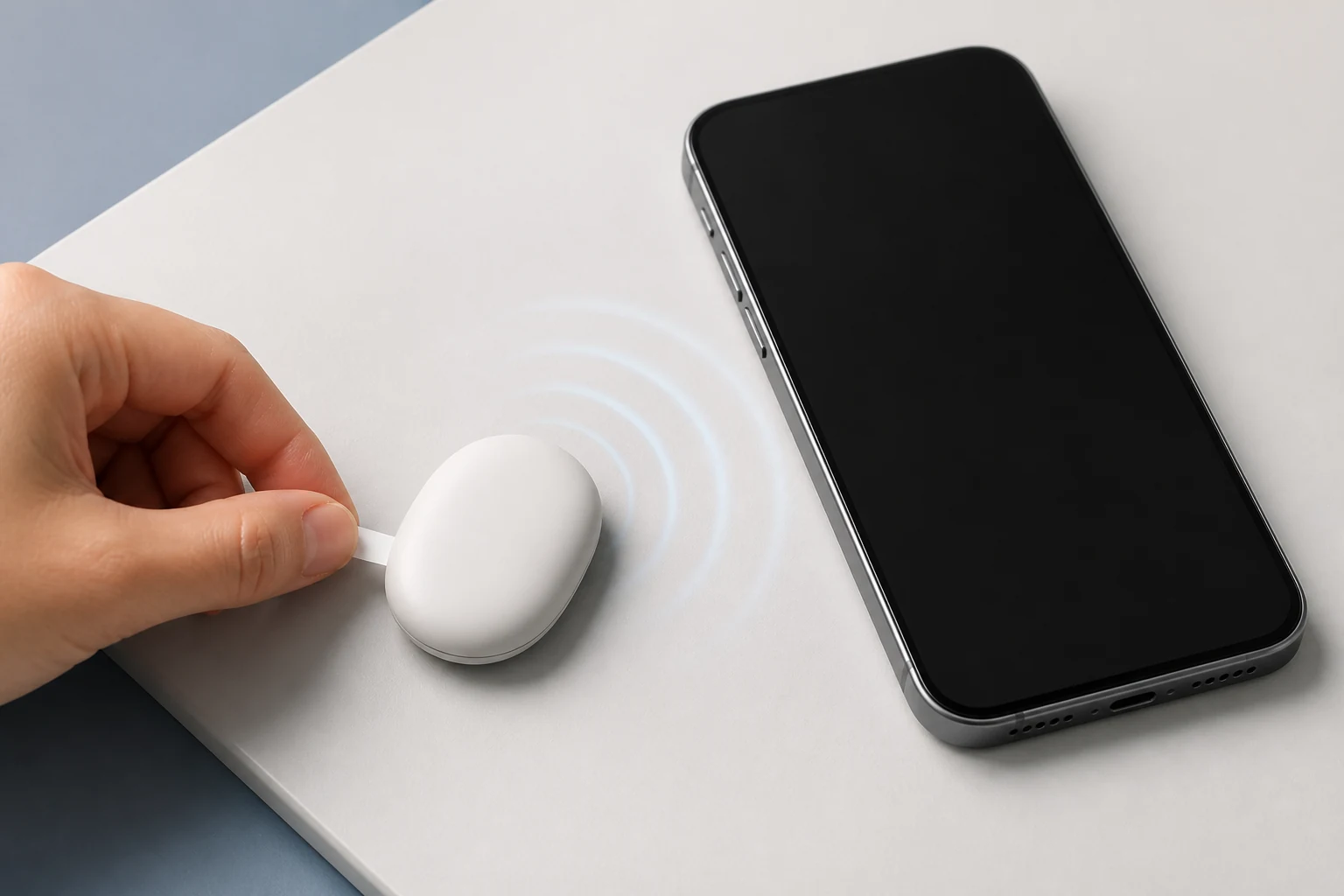
Test the name, sound, and separation alert on setup day
Google's setup path starts by pulling the battery tab, holding the tag near the Android device, following the Fast Pair prompt, and assigning an item category or custom name in Find Hub. Test the map entry and speaker immediately so you are not learning the controls after something goes missing.
Google also describes reverse ringing from the tag button and optional Left Behind alerts. Alert timing depends on connectivity and device settings, so test the feature at home before a trip by leaving the bag behind and confirming that the warning arrives as expected.
- Turn on Bluetooth, location, a screen lock, and Find Hub on the phone.
- Pull the battery tab, hold the tag nearby, and finish the Fast Pair prompt.
- Give the item a recognizable name and test the tag speaker.
- Choose an offline-finding scope and enable Left Behind alerts if useful.
Offline-network scope and unknown-tracker alerts belong in the same review
Google says Find Hub can use a crowdsourced network of more than one billion Android devices and end-to-end encrypted location information. Its privacy help also says the network processes temporary device identifiers, detection and request timestamps, and Fast Pair accessory information for delivery, safety, and abuse prevention. Encryption should not be read as meaning no supporting data is processed.
You can change participation under Find your offline devices, but reducing network participation also reduces the wider network's help in locating a tag. Android can warn when an unknown tag appears to travel with you and provide steps to ring it. Google also says tracker tags should not be used to track pets or to pursue stolen property.
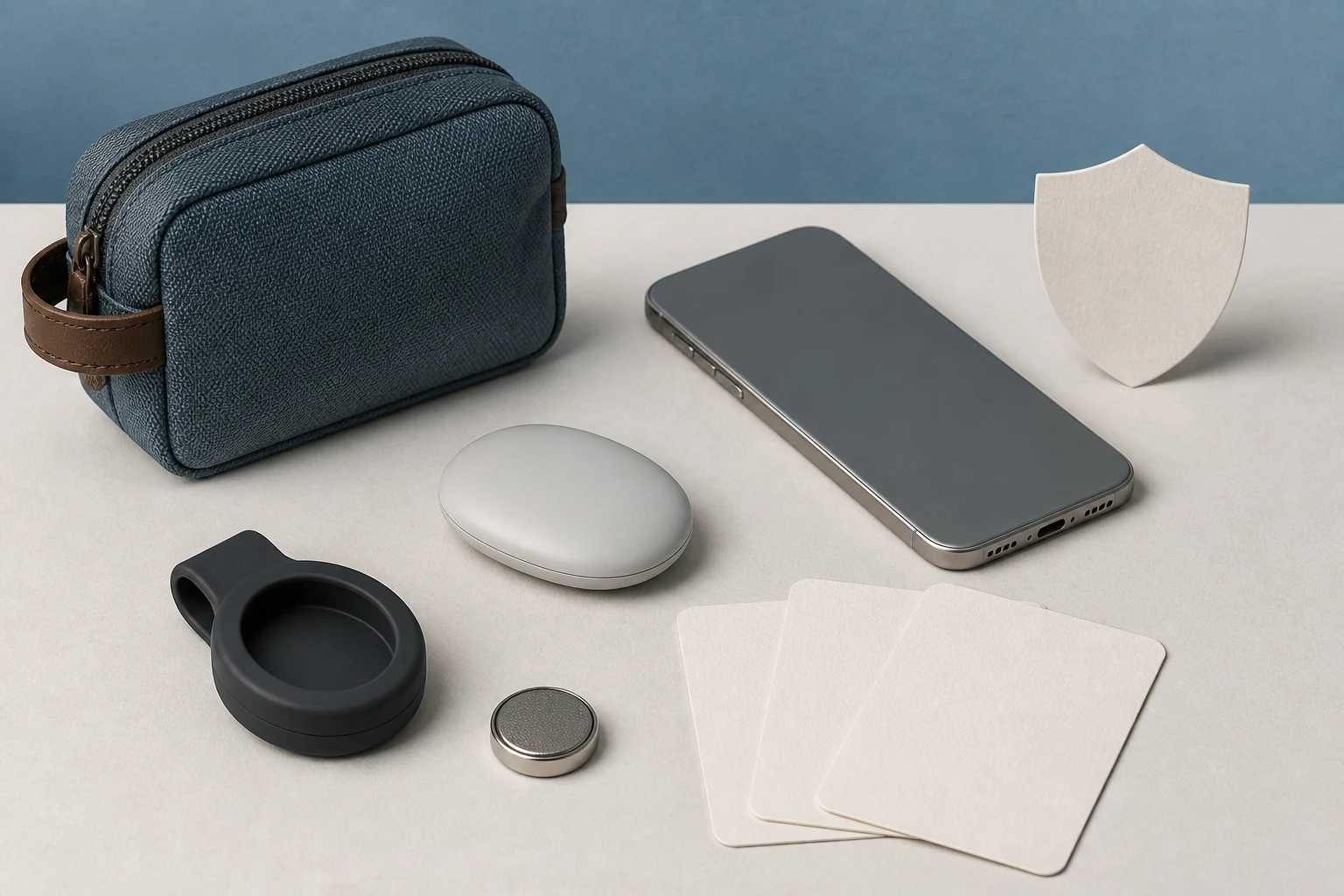
Keep household sharing and recovery links open only as long as needed
Find Hub can share a tag with up to 10 people. Google's help describes a 24-hour invitation window, an owner-confirmation step, and a four-digit PIN shown with an accepted invitation. Use it for genuinely shared property such as household keys, and remove people promptly when access is no longer needed.
For an item lost at a distance, Find Hub can generate a location link for a third party such as an airline. The link expires after seven days, but until then a signed-in Google Account that has the link can see the item location and any contact details added in lost mode. Stop sharing as soon as the item is recovered, and remove and factory-reset a tag before transferring ownership.
Up to one year of battery life and IP67 both come with conditions
Google describes a user-replaceable battery lasting up to one year, based on preproduction hardware and an assumed mix of sound and precision-finding use. Usage, temperature, and replacement-battery manufacturer can shorten that result. Check the battery level in Find Hub and replace it before travel once it reaches Low.
IP67 means the device was designed to meet a standard when it left the factory, not that it is permanently waterproof. Google says resistance can diminish through wear, repair, disassembly, or drops and that liquid damage voids the warranty. Store it inside a dry, protected part of the bag instead of testing the rating yourself.
One last check
Five checks before you buy
- 01
Confirm live Google Store availability, local price, delivery date, tax, and returns for your country.
- 02
Make sure the phone you will use has Android 9 or later and working Bluetooth for baseline pairing.
- 03
If you want distance and directional guidance, verify UWB support on both the phone and the tag.
- 04
Include a separate holder and replacement battery in the total cost if you plan to attach the tag.
- 05
Review offline-network participation and unknown-tracker alerts in Find Hub before carrying the tag.
Sources
Sources used for this article
- Google — Pixel Tag launch, price, timing, and feature details
- Google Android Help — Find Hub pairing and UWB requirements
- Google Pixel Help — Find Hub data protection and participation controls
- Google Pixel Help — tag sharing, battery checks, and recovery links
- Android Central — independent Pixel Tag specifications and compatibility report
Checked August 15, 2026 against Google's August 12 Pixel Tag announcement and current Find Hub setup, privacy, and sharing help. Android Central independently confirms the announced price, dimensions, attachment design, and compatibility details. Google's up-to-one-year battery figure and durability language are company claims under stated test conditions, not guarantees of identical use or permanent water resistance.
Was this guide useful?
This browser can leave one heart per article.
Google Pixel 11 Buying Guide: Four Models, US Prices, and Country Availability
Compare the Pixel 11, 11 Pro, 11 Pro XL, and 11 Pro Fold by US starting price, size, camera, charging, storage, regional availability, trade-in terms, and AI subscription conditions.
Compare the four Pixel 11 buying paths
Galaxy Z Fold8: Price, Release Date, and the Ultra Trade-Offs
Separate the Galaxy Z Fold8's confirmed price, release date, displays, cameras, battery, and support from early review observations, then compare it with the Fold8 Ultra.
Compare the Fold8 buying trade-offs