
The release fixes four high-severity security bugs
On July 23, Google moved the desktop stable channel to 150.0.7871.186 or .187 for Windows and macOS and 150.0.7871.186 for Linux. Google says the release will roll out over the coming days and weeks, which means two devices may not receive it at exactly the same time.
The four fixes cover an out-of-bounds write in Codecs (CVE-2026-16807) and use-after-free bugs in WebMCP, Blink, and Input (CVE-2026-16806, 16805, and 16804). Google marked each one High and may keep technical details restricted until most users have the fix.
A serious patch is not the same as a confirmed zero-day
There is an important distinction between a vulnerability being severe and attackers already exploiting it. NIST’s CVE-2026-16804 record and independent reporting on July 24 did not identify active exploitation at disclosure.
That is not a reason to postpone the update. GovCERT.HK says crafted content processed by an affected browser could lead to impacts such as remote code execution, denial of service, security bypass, or tampering. The useful response is to patch promptly without turning an unconfirmed scenario into a headline.
On desktop, the About page does the work
Save anything you are typing, then open the three-dot menu and choose Help → About Google Chrome. Opening that page starts the built-in update check and installs an available release.
For this desktop release, look for 150.0.7871.186 or .187 on Windows and macOS and at least 150.0.7871.186 on Linux. If the rollout has not reached the device yet, check again later rather than downloading an installer from an unfamiliar website.
- Save documents, drafts, and form entries.
- Open More → Help → About Google Chrome.
- Compare the displayed version with Google’s release notice.
- Relaunch when the update is ready.

Android and other Chromium browsers need separate checks
Google also released Chrome 150.0.7871.186 for Android on July 23 and said it would become available through Google Play over the next few days. Open Chrome’s Play Store listing and use the update button if it appears; an absent button may simply mean the staged rollout has not reached that device.
Edge, Brave, Vivaldi, and other Chromium-based browsers do not necessarily use Chrome’s exact version number or release schedule. Use that browser’s own About or Update page and its vendor’s official release notes instead of assuming the Chrome number applies.
The relaunch is part of the update
Downloading the update is not always the last step. If Chrome remains open, the new build may not be running yet. Save active work, relaunch the browser, then return to the About page once more to confirm the version.
Most regular tabs come back, but private windows and unsaved web forms may not. If something behaves oddly after the update, use official Chrome support or your organization’s administrator rather than an unofficial downgrade package.
- Save active work before relaunching.
- Close and relaunch Chrome completely.
- Verify the version one more time.
- Avoid installers from unknown download sites.
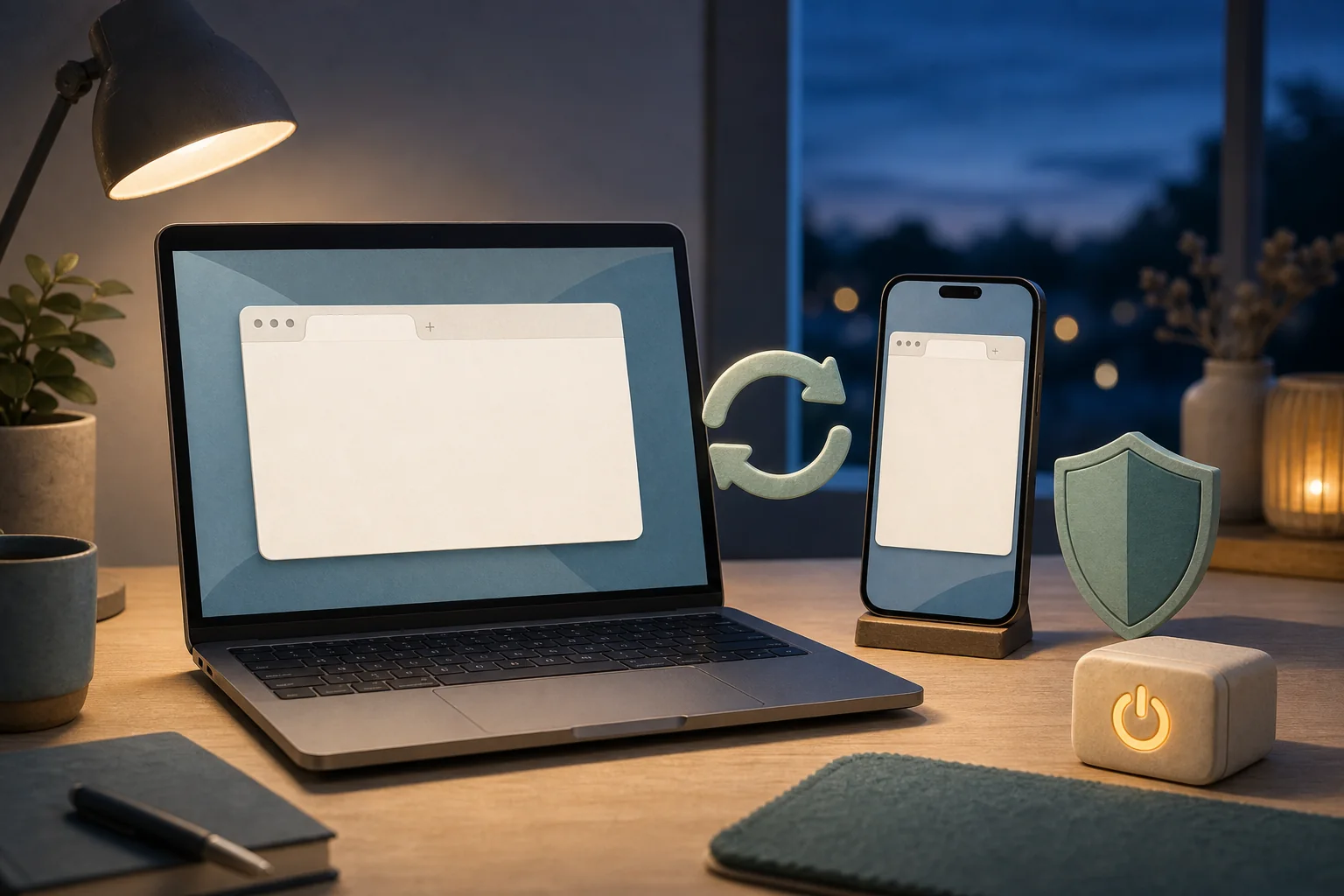
One last check
Finish the update in this order
- 01
Open More → Help → About Google Chrome on a desktop computer.
- 02
Look for 150.0.7871.186 or .187 on Windows and macOS, or .186 on Linux.
- 03
Save active work and relaunch Chrome after the update completes.
- 04
Check the Play Store for the Android 150.0.7871.186 rollout.
- 05
Check each vendor separately if you use Edge, Brave, or another Chromium-based browser.
Sources
Sources used for this article
- Google Chrome Releases — July 23 desktop stable channel
- Google Chrome Releases — July 23 Android update
- GovCERT.HK — Multiple vulnerabilities in Google Chrome
- Canadian Centre for Cyber Security — Advisory AV26-741
- NIST NVD — CVE-2026-16804
- Cyber Security News — Independent July 24 coverage
We reviewed Google’s July 23 desktop and Android releases, July 24 advisories from GovCERT.HK and the Canadian Centre for Cyber Security, NIST NVD, and independent reporting on July 27, 2026. The public material did not confirm active exploitation at disclosure, but Google rated all four fixes High, so checking the installed version is still worthwhile.
Was this guide useful?
This browser can leave one heart per article.Windows 11 KB5121003: Check Your Version, Build, and Update Status
KB5121003 is rolling out to Windows 11 24H2 and 25H2. Check the applicable version, target build, built-in install path, restart verification, and Microsoft's current known-issue status.
Check the KB5121003 install path
iOS 26.6 Security Update: Check Your iPhone or iPad First
Check whether iOS or iPadOS 26.6 supports your device, then work through backup, power, Wi-Fi, installation, and the final version check.
Check support and update steps