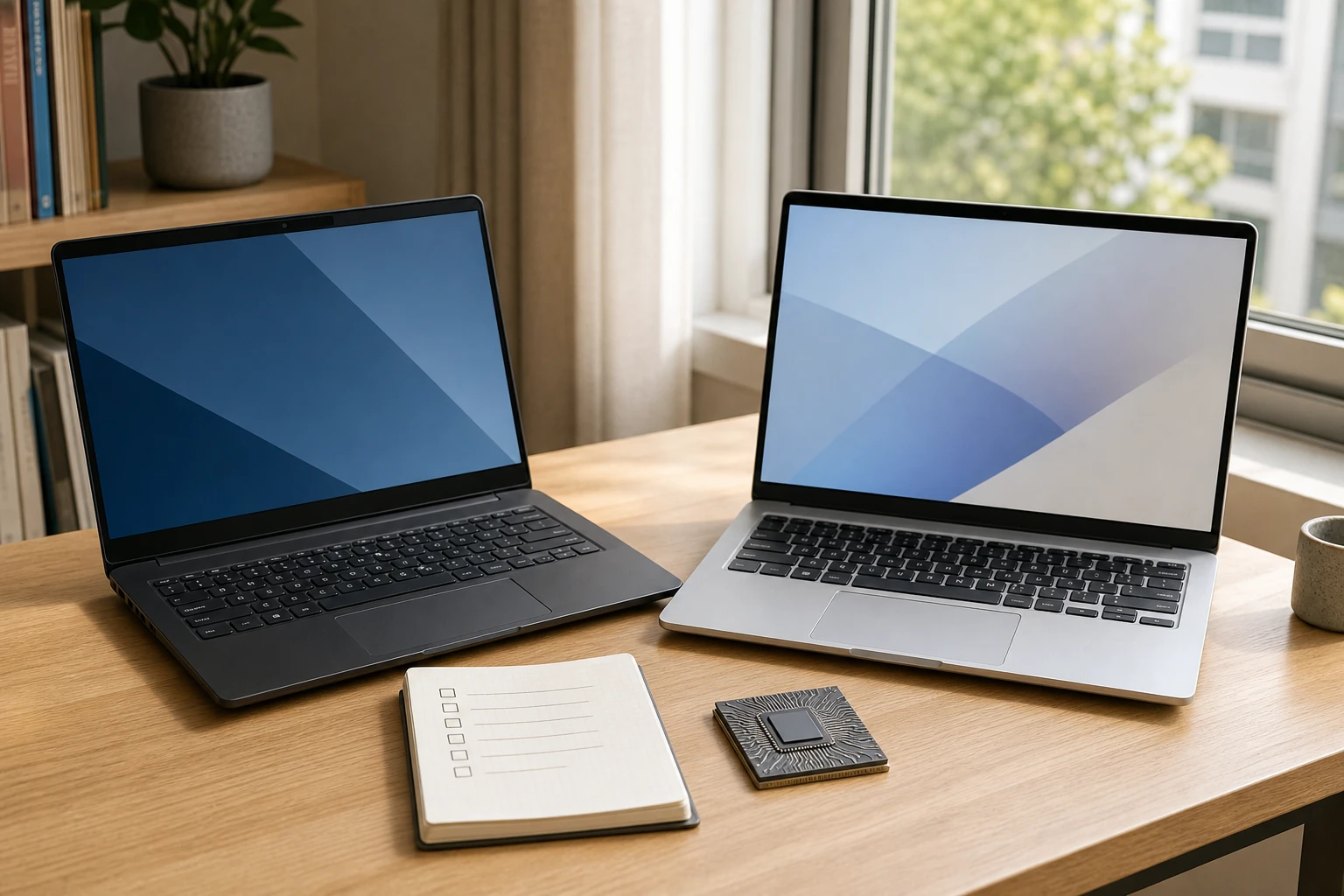
AI PC is a broad term; Copilot+ PC is a Microsoft class
An AI PC generally means a computer with hardware intended to accelerate AI work, often including a neural processing unit, or NPU. The phrase is used across the industry, so the words alone do not promise a fixed Windows feature set or a minimum amount of NPU performance.
Copilot+ PC is narrower. Microsoft uses it for a defined class of Windows 11 PCs that meets its current hardware requirements. The Copilot app can also run on ordinary Windows PCs, so seeing the app or a Copilot key does not prove that a laptop is a Copilot+ PC.
Microsoft 365 Copilot is another separate product with its own licensing. A Copilot+ PC purchase does not automatically include a Microsoft 365 Copilot subscription unless the seller explicitly says so.
Start with 40+ NPU TOPS, 16GB of memory, and 256GB of storage
Microsoft’s current consumer description lists an NPU capable of at least 40 trillion operations per second, 16GB of RAM, 256GB of storage, and Windows 11 version 24H2 or later. The important number is the NPU’s performance—not a combined CPU, GPU, and NPU ‘AI TOPS’ total in a product banner.
Processor support has expanded beyond the first Snapdragon X systems to compatible AMD and Intel families. Even so, check the exact processor and memory configuration against Microsoft’s current specifications. A product range can contain several SKUs, and a similar name does not guarantee that every configuration qualifies.
The feature list is not identical on every Copilot+ PC
Copilot+ experiences include features such as Recall, Click to Do, improved Windows Search, Live Captions translation, Cocreator, Windows Studio Effects, and automatic super resolution. Availability can still depend on the processor, Windows update, device, language, region, account, and subscription.
Recall is a good example of why the details matter. Microsoft says saving snapshots is opt-in rather than switched on by default. It also lists security and storage requirements, including device encryption or BitLocker, Windows Hello Enhanced Sign-in Security, and free storage. A badge alone does not tell you whether a specific feature fits your privacy preferences or workflow.
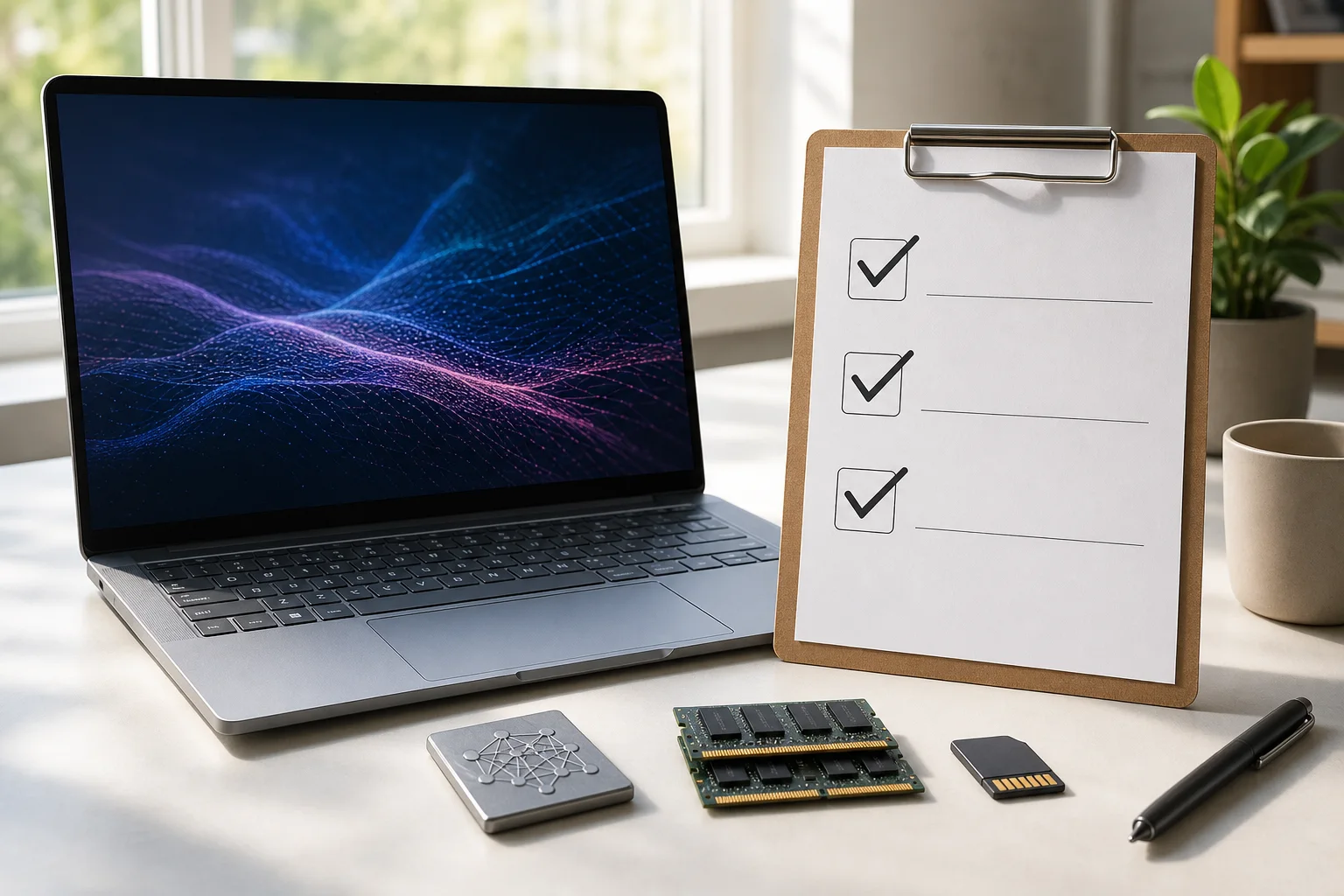
Arm compatibility is a separate buying question
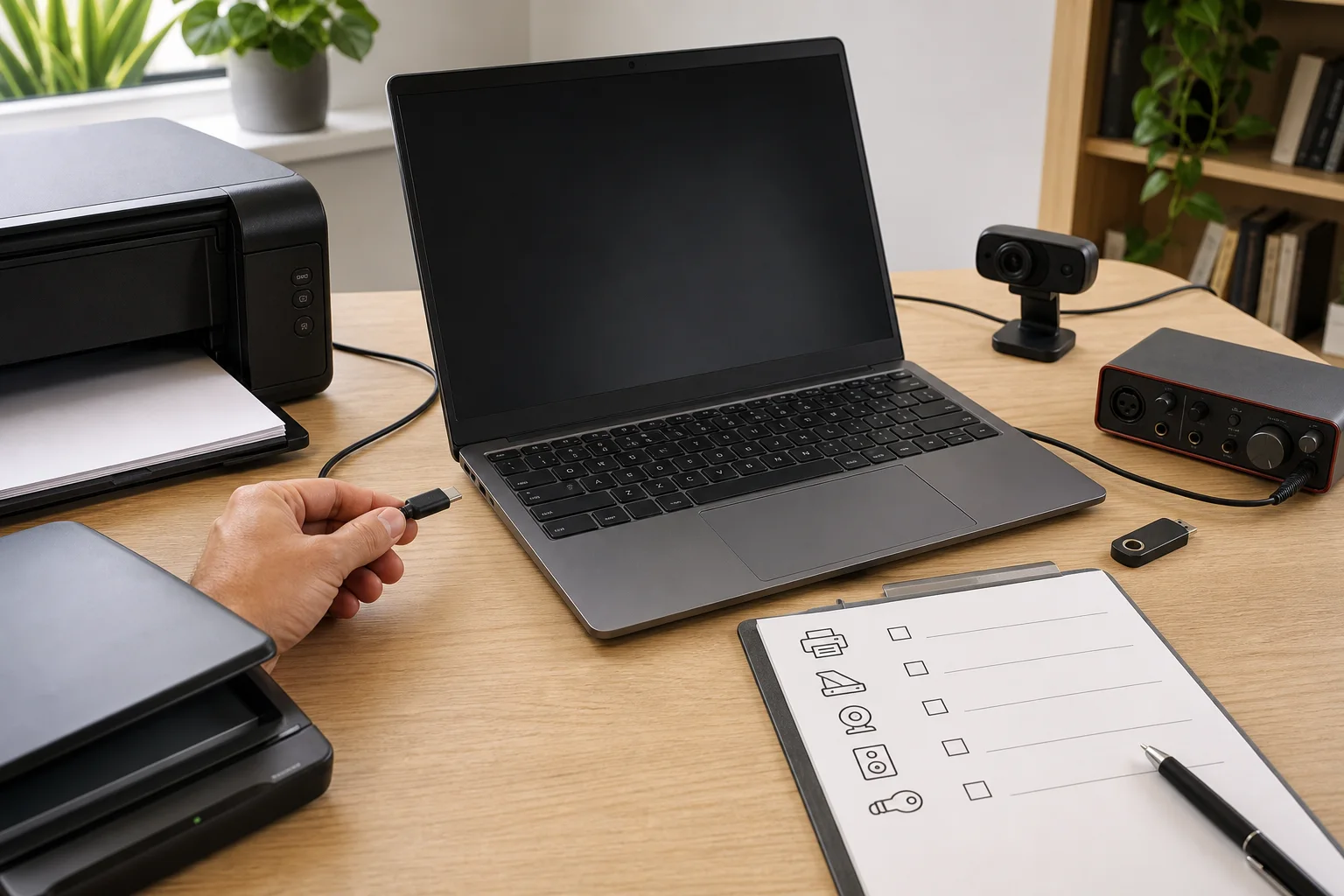
Snapdragon X laptops use the Arm architecture. Many everyday Windows apps now run natively or through Microsoft’s Prism emulation, but drivers cannot simply be emulated in the same way. Printers, scanners, audio interfaces, specialist VPNs, security software, accessibility tools, and other hardware can depend on a compatible Arm64 driver.
Some games with unsupported anti-cheat drivers can also be a problem. These cautions apply to Arm-based models, not automatically to every AMD- or Intel-based Copilot+ PC. Check the architecture first, then verify the exact apps and devices you cannot work without.
An NPU does not make every program faster
Software has to be designed to use the NPU. A 40+ TOPS figure describes AI throughput for that processor, not general CPU speed, gaming performance, SSD speed, screen quality, or cooling. A conventional laptop with a stronger GPU may still be the better tool for a game, 3D workload, or creative application that does not use the NPU.
Ask which one or two Copilot+ features you would use now. Then check whether those features work on the chosen processor and in your language and region. ‘Future-proof’ is too strong a promise for hardware whose future software support cannot be guaranteed.
Buy the laptop, not the sticker
After checking the AI features, return to the ordinary specifications: processor and graphics performance, display, keyboard, ports, fan noise, battery tests, repairability, storage, warranty, and total price. These are the things you will notice every day even when no AI feature is running.
A Copilot+ PC can be a sensible choice when you value its current on-device features and the rest of the laptop is competitive. A less expensive Windows PC can be the better purchase when compatibility or conventional performance matters more. The exact workload is more useful than the badge.
One last check
Before you buy an AI laptop
- 01
Does the exact SKU—not just the product family—say Copilot+ PC?
- 02
Is the quoted figure NPU TOPS rather than a combined marketing total?
- 03
Are the feature, language, region, and subscription requirements clear?
- 04
If it is Arm-based, have you checked every essential app, driver, game, VPN, and peripheral?
- 05
Would you still choose this laptop without the AI badge?
Sources
Sources used for this article
- Microsoft — Copilot+ PCs vs. Windows PCs
- Microsoft — Windows 11 and Copilot+ PC specifications
- Microsoft Support — Recall requirements and controls
- Microsoft Support — Windows Arm-based PCs FAQ
- Microsoft Learn — Copilot+ PC developer guide
Microsoft specifications, comparison guidance, and Windows on Arm support pages were reopened and checked on July 28, 2026. Feature availability and supported processors can change with Windows updates, region, and device configuration. The images are editorial concepts, not real Microsoft screens.
Was this guide useful?
This browser can leave one heart per article.
Google Pixel Tag Buying and Setup Guide: Compatibility, Find Hub, and Privacy
Check the Google Pixel Tag's announced US price and release date, Android 9 baseline pairing, UWB precision-finding requirements, Find Hub offline-network controls, sharing, and unknown-tracker alerts before you buy.
Check Pixel Tag buying and setup requirements
Windows 11 KB5121003: Check Your Version, Build, and Update Status
KB5121003 is rolling out to Windows 11 24H2 and 25H2. Check the applicable version, target build, built-in install path, restart verification, and Microsoft's current known-issue status.
Check the KB5121003 install path