
This is a preliminary finding, not a final ruling
On July 24, 2026, the European Commission sent TikTok preliminary findings that its account settings for minors do not meet the Digital Services Act’s required safety standard. The Commission focused on the fact that minors can choose a public account, allowing their content to be viewed beyond TikTok, including by people without an account.
It also highlighted the possibility that public content from 16- and 17-year-olds can be recommended in the For You feed. The process is not over. Reuters reported that TikTok plans to review the findings and work with the regulator, and the company can respond before a final decision is made.
Private does not mean completely invisible
TikTok says a private account limits posts, the bio, likes, and follower lists to approved followers. It also prevents other people from downloading posts or reusing them through Duet and Stitch.
Some identifying information remains visible. TikTok’s help page says a nickname, username, and profile photo can be seen on or off the platform. The toggle matters, but the public profile, current followers, and older post audiences deserve attention too.

Age-based defaults do not give every teen the same controls
TikTok’s current help guidance says accounts for both 13- to 15-year-olds and 16- to 17-year-olds start as private. For ages 13 to 15, direct messaging is unavailable, while video downloads, Duet, and Stitch stay disabled.
A 16- or 17-year-old who changes to a public account can have wider choices for downloads, reuse, comments, and message requests. TikTok says teen accounts include more than 50 preset privacy and safety features. That is the company’s description of its safeguards; it does not tell a family which options are selected on one particular account.
Start with visibility and the public profile
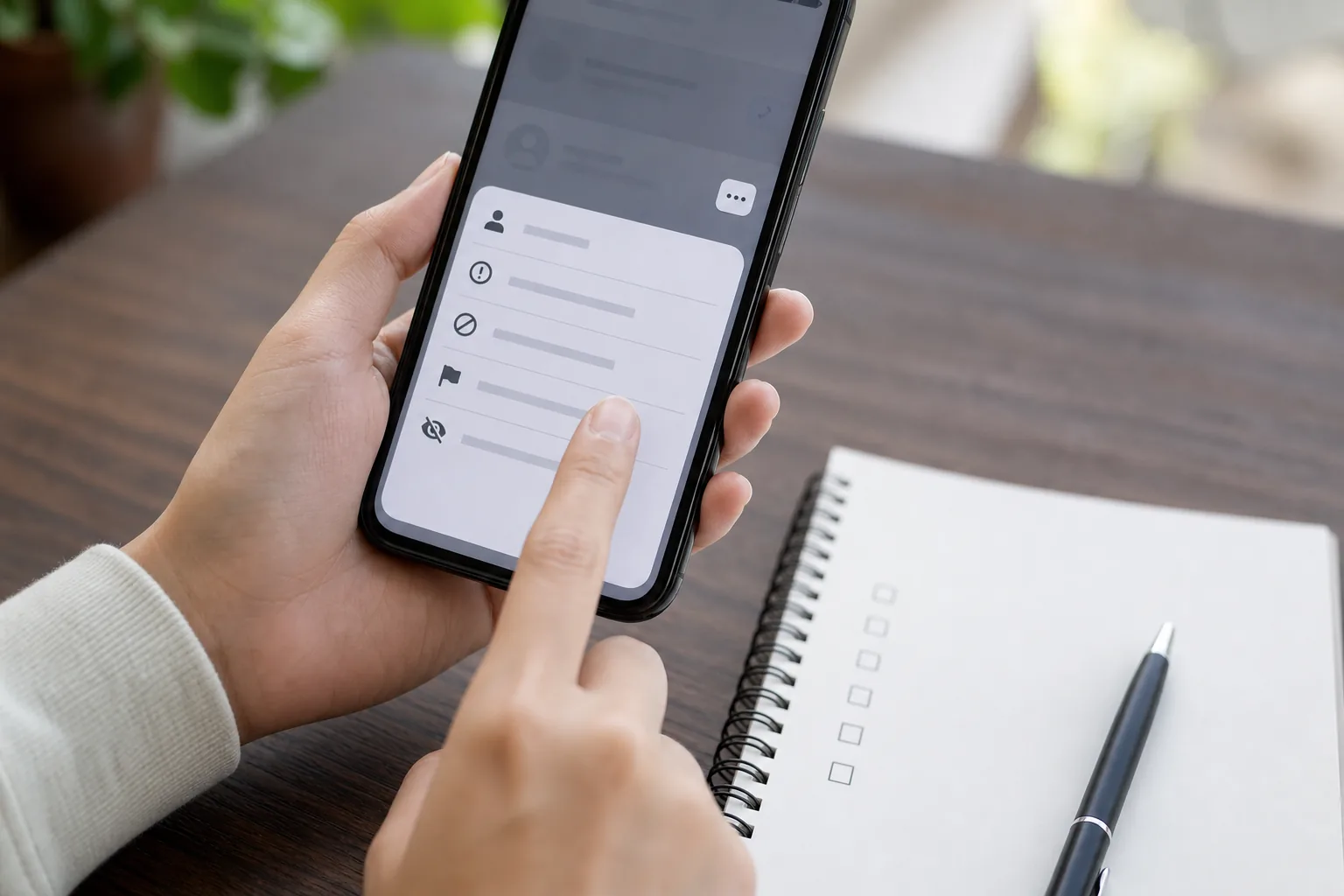
In the app, open Profile, then the menu, Settings and privacy, and Privacy. Names may vary slightly by version and region. Unless there is a clear reason to publish to an unrestricted audience, a private account is the simpler starting point.
Then review the username, profile image, nickname, and bio. Remove school names, uniforms, regular locations, schedules, and other clues that could reveal a teen’s routine. Older posts may have their own audience setting, so check those individually.
Open Suggest your account to others as its own setting rather than assuming a private account answers every discovery question. TikTok says these suggestion options start off for users ages 13 to 17, but the current account should still be checked directly.
Review downloads, reuse, comments, and messages one by one
The account toggle is only the first layer. Open the controls for video downloads, content reuse, comments, direct messages, and account suggestions. A conservative setup is to keep downloads off, disable Duet and Stitch or limit them to friends, narrow comments, and decline messages from unknown accounts.
- Account visibility: confirm private or public
- Video downloads: keep off unless there is a clear reason
- Duet and Stitch: off or limited to friends
- Comments: friends only or disabled per post
- Direct messages: known contacts only or do not receive
Use Family Pairing as a conversation, not silent surveillance
TikTok’s Family Pairing tools let a parent or guardian tailor parts of a teen’s account. TikTok says parents can see whether a 16- or 17-year-old allows downloads and whether other people can Duet or Stitch their posts. Some of those features remain unavailable for younger teens.
Agree on moments to review the choices again—after a major app update, when age-based features change, or before making an account public. If unwanted contact or harassment occurs, save the relevant account and message details, then block and report the account and involve a trusted adult.
One last check
A five-minute account check
- 01
Confirm whether the account is public or private and review who follows it.
- 02
Remove school, location, and routine clues from the username, photo, and bio.
- 03
Check account suggestions, downloads, reuse, comments, and message requests separately.
- 04
Limit message requests to people the teen knows—or turn them off.
- 05
If Family Pairing is used, review the linked settings with the teen instead of changing them silently.
Sources
Sources used for this article
- European Commission — Preliminary findings on TikTok accounts for minors
- TikTok Help Center — Privacy and safety settings for under-18s
- TikTok Newsroom — Family Pairing features
- Reuters — EU preliminary findings and TikTok’s response
Sources checked on July 27, 2026. The European Commission’s minor-account findings are preliminary, not a final infringement decision. TikTok’s privacy and Family Pairing controls may vary by age, region, law, account state, and app version.
Was this guide useful?
This browser can leave one heart per article.
An Investment Pitch in an Instagram DM? Check Before You Send Money
If an Instagram account pitches an investment, work through these identity checks, warning signs, evidence-saving steps, and reporting options before you send money.
Check an investment DM
Rails Active Storage CVE-2026-66066: Patch, Investigate, Then Rotate Secrets
Check whether a Rails app meets the Active Storage and libvips exposure conditions, install both required updates, use the official forensic tools, and plan credential rotation.
Work through the Rails CVE response order