
The European Commission has not reached a final decision
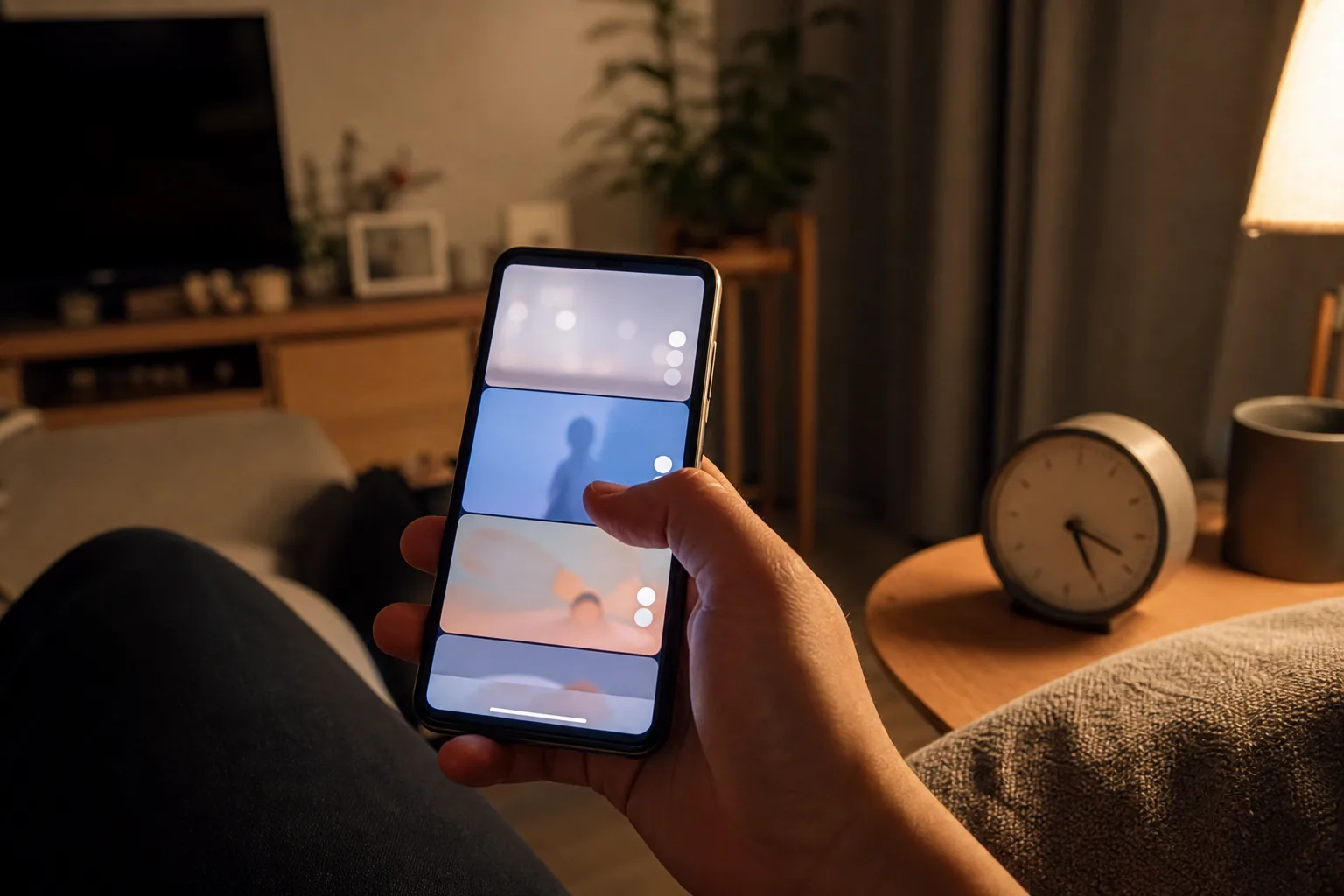
You may open one Reel, have the next video begin immediately, and only notice much later how much time has passed. Debate is growing over whether that experience should be treated solely as a failure of individual willpower or partly as a platform-design responsibility.
On July 10, 2026, the European Commission announced a preliminary finding that the addictive design of Instagram and Facebook breached the Digital Services Act. The investigation covered infinite scroll, autoplay, push notifications, and personalized recommendation systems.
A preliminary finding is not a final ruling. The conclusion or required measures can change during the remaining procedure, and the announcement does not diagnose every user as addicted.
Infinite scroll removes a natural place to stop
A book has a last page and an individual video has an ending. A Reels feed has no comparable boundary: the next clip is already waiting when you swipe, with no need to press play again. That design reduces the short pause in which you might decide whether to continue.
Push notifications create reasons to return after the app is closed, while personalized recommendations keep supplying videos similar to those you watched for longer. The Commission preliminarily found that Meta had not adequately assessed risks to users—especially minors and vulnerable adults—and that its current mitigation measures were not effective enough.
Screen-time concerns are not only a matter of personal discipline
A 2025 survey cited in the Korea Youth Policy Institute’s 2026 youth statistics classified 43.0% of smartphone users ages 10 to 19 as being in an overdependence-risk group. That figure concerns smartphone use overall, not Instagram specifically. It nevertheless shows why youth screen use is broader than a small family habit.
The European Commission’s guidelines for protecting minors online also go beyond making an account private. They recommend reducing pathways that repeatedly pull a young person toward the same content and limiting features such as autoplay and push notifications that can encourage excessive use.
Start with Quiet mode to reduce nighttime interruptions
Instagram’s Quiet mode turns off notifications during a schedule you choose and sends an automatic reply when someone sends a DM. From the profile menu, look under “Settings and activity,” then “Time management,” to choose the days and hours. Labels can differ by app version.
Consider starting the schedule 20 or 30 minutes before the moment you want to put the phone down, rather than exactly at bedtime. If the option is missing or named differently, update the app and look under time-management or notification settings.
- Open Time management from the profile menu.
- Turn on Quiet mode and choose its days and hours.
- Check the daily average first, then choose a limit you can realistically keep.
- Turn off nonessential like, recommendation, and live-video notifications separately.
Actively reshape recommendations instead of only swiping away
For a Reel you do not want, choosing “Not interested” from the three-dot menu gives a clearer signal than quickly swiping past it. Hidden Words can also reduce recommendations containing particular words or phrases.
If the feed has become too narrow, use “Reset suggested content” under content preferences. Recommendations will then rebuild from the posts and accounts you interact with. If you continue watching the same material for long periods, the feed can narrow again, so review the accounts you follow as well.

Use teen-account protections as the start of a conversation
Teen Accounts show a prompt to leave the app after 60 minutes of daily use and apply notification restrictions from 10 p.m. to 7 a.m. Parents can use Family Center supervision to set a daily limit and blocked periods, but it is not a tool for secretly reading a teenager’s DMs.
When a limit feels like punishment, a teenager may focus on finding a workaround. Agreements about why notifications stop at night, or where phones stay during homework and meals, can be easier to maintain. If sleep, schoolwork, or relationships are being disrupted repeatedly, do not rely only on app settings; speak with a trusted adult, school counselor, or qualified professional.
One last check
Spend ten minutes on these settings today
- 01
Have you confirmed on the EU page that this is a preliminary finding rather than a final ruling?
- 02
Does Quiet mode begin at the time you actually want to put the phone down?
- 03
Have you used “Not interested” on unwanted Reels instead of only swiping past them?
- 04
If recommendations have become too narrow, have you considered resetting suggested content?
- 05
For a teen account, have the teenager and parent agreed on a daily limit and a nighttime break together?
Sources
Sources used for this article
- European Commission — Preliminary finding on addictive design on Instagram and Facebook
- European Commission — Guidelines on protecting minors online
- Meta Newsroom — Instagram Quiet mode and time-management features
- Meta Newsroom — Resetting Instagram recommendations
- Meta Newsroom — Instagram Teen Account time limits and Sleep mode
- Korea Youth Policy Institute — 2026 Youth Statistics
The European Commission and Meta pages were reopened and checked on August 14, 2026. The Commission's finding remains preliminary and may change during the remaining procedure. Meta says Quiet mode is now called Sleep mode. Menu names, locations, and feature availability can vary by app version and account.
Was this guide useful?
This browser can leave one heart per article.
Instagram Reels Adds Korean AI Translation: How to Check the Dub
Instagram Reels is expanding AI translation to Korean. Learn how to identify a translated video, return to the original audio, review names and numbers, and record clearer source audio.
Check an AI-translated Reel
An Investment Pitch in an Instagram DM? Check Before You Send Money
If an Instagram account pitches an investment, work through these identity checks, warning signs, evidence-saving steps, and reporting options before you send money.
Check an investment DM