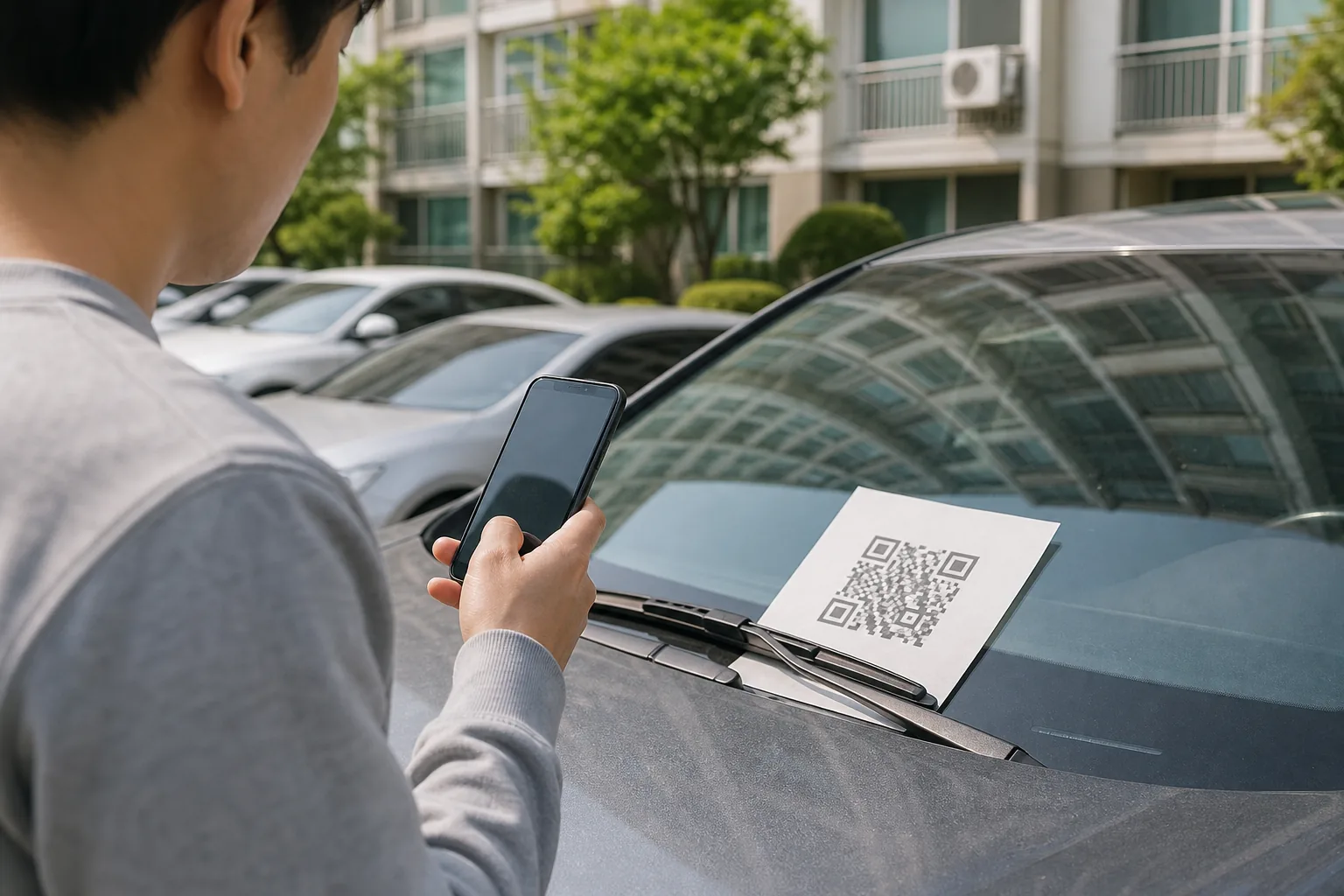
A QR code is not dangerous by itself
A QR code is a compact way to carry an address or another instruction. Legitimate restaurants, parking systems, event tickets, and government services use them. Scammers can use the same format, which means the square pattern is neither proof of safety nor proof of fraud.
The useful questions are who placed the code, where it leads, and what the destination asks you to do. The FBI advises checking physical codes for signs of tampering and reviewing the destination address before providing information, making a payment, or downloading an app.
Look for urgency, a covered sticker, and a strange domain
Unexpected messages often claim that a package could not be delivered, an account has a problem, or a fine must be paid immediately. The story is designed to make you move faster than you normally would. If the request is real, you should be able to confirm it without using the QR code in the message.
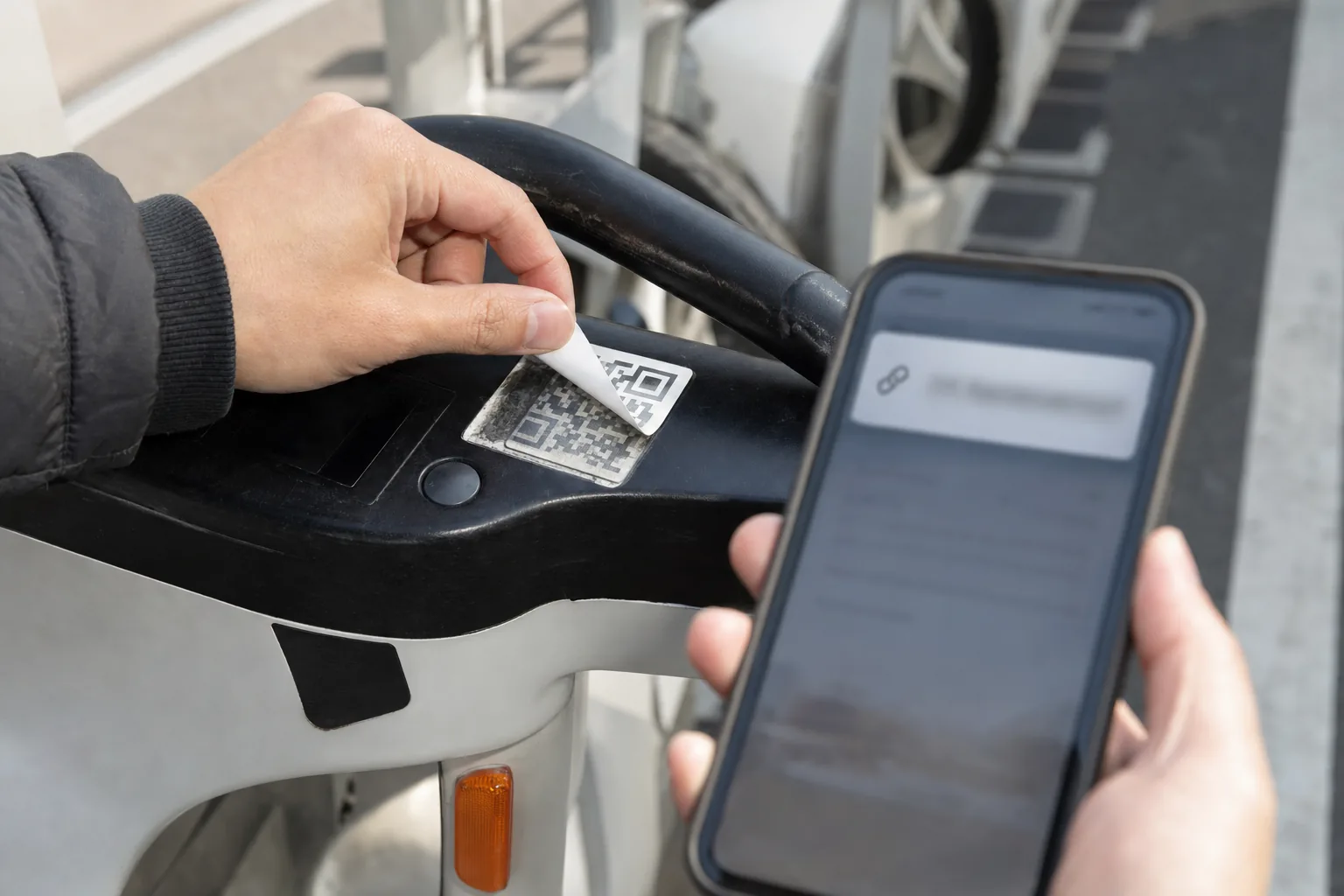
On a parking meter, poster, shared scooter, or public sign, look for a new sticker placed over the original. After scanning, use the phone’s URL preview instead of opening the page immediately. Check for misspellings, switched letters, a domain unrelated to the organization, or a shortened address that hides the destination.
Use a four-step risk ladder instead of assuming the worst
If the camera only displayed a code or URL preview, do not claim that the phone is infected. Close the preview and verify the request separately. If you opened the page but entered nothing, reject any download or permission request, close it, and check whether anything was actually saved.
If you entered a password, personal information, card details, or a payment, the account or money may be at risk. If you installed an app or granted powerful permissions, there is a stronger reason to investigate possible device compromise. These stages call for different responses.
- Preview only: close it and verify through a separately found official channel.
- Page opened: close it, reject downloads and permissions, and check the browser’s download list.
- Information or payment submitted: change exposed credentials and contact the financial provider.
- App installed or permissions granted: remove untrusted software and use official device-security guidance.
If you entered information, act from a known-clean route
Change an exposed password immediately, including anywhere it was reused, and turn on multi-factor authentication. Use a bookmark, official app, or address you type yourself rather than returning through the suspicious page.
If you entered card or bank information or sent money, contact the provider using the number on the card, statement, or official website and ask what can be blocked or reversed. In the United States, IdentityTheft.gov can build a recovery plan when personal information may have been stolen. Other countries have their own national cybercrime and identity-theft services.
If you installed an Android app, use Google Play Protect and remove apps you do not trust. For an Apple malware warning, follow Apple’s support instructions rather than overriding the warning. Change important passwords from a device you trust if the suspicious app may have captured what you typed.
Verify the request through a different channel
For a traffic or court notice, type the known government or court website yourself or call a verified public number. The FTC warned in April 2026 about fake traffic-hearing texts containing QR codes and advised people not to use the contact details inside the message.
For a delivery, open the retailer’s order history or the carrier’s official app. For a payment, open the organization’s known website. For an app, search the official app store yourself. The goal is not to prove that the QR image looks authentic; it is to leave the path chosen by the sender.
Save evidence, then report through the right service
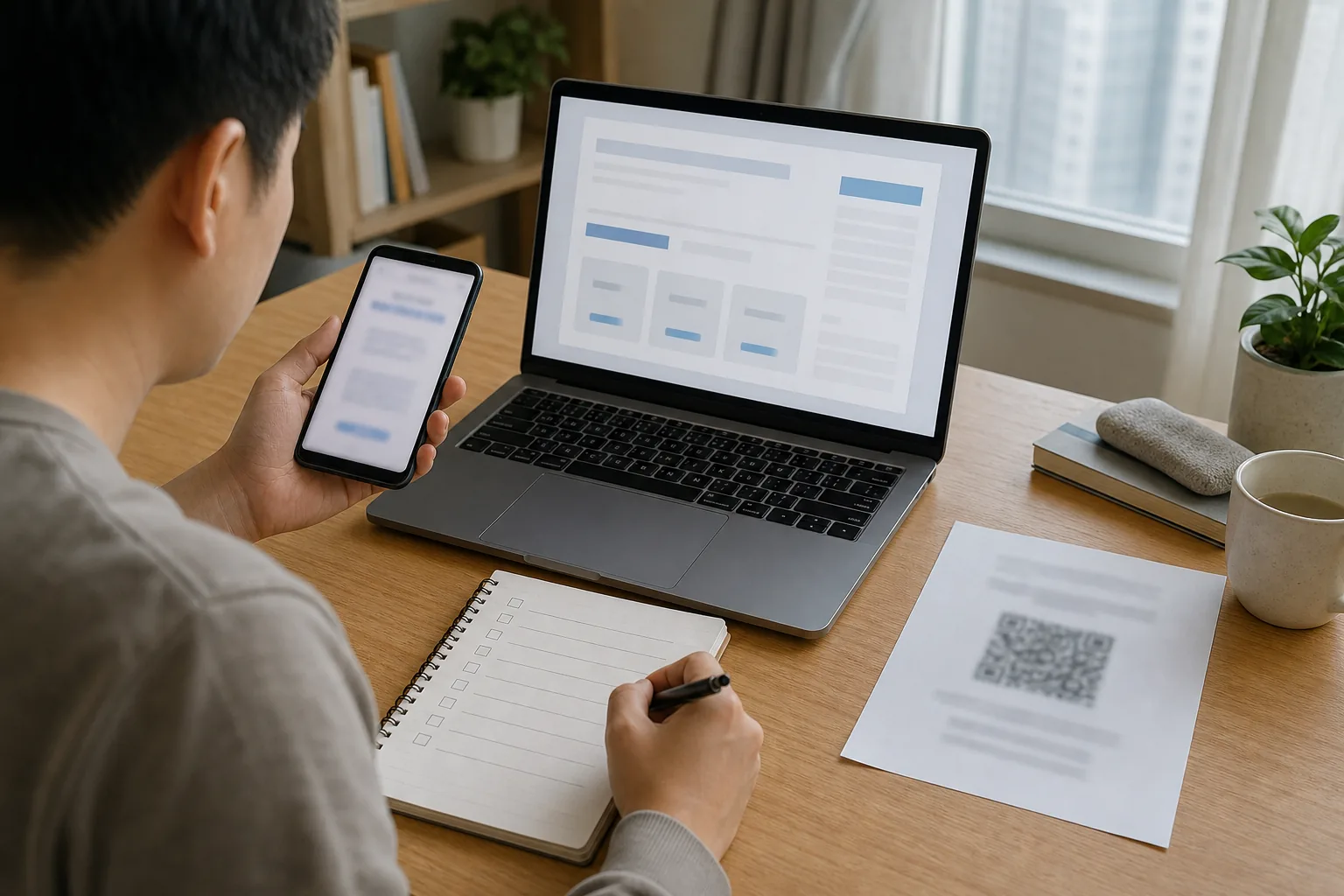
Keep the message, envelope or package label, full photo of the notice, visible URL, sender details, payment receipt, and the names of any apps or permissions involved. Do not keep revisiting the suspicious page just to collect more screenshots.
In the United States, report fraud and impersonation to ReportFraud.ftc.gov, identity exposure through IdentityTheft.gov, and internet-enabled crime or financial loss to the FBI’s IC3. Outside the U.S., use your national cybercrime reporting service and contact your bank promptly when money is involved.
One last check
The 15-second check
- 01
Was this code expected, and do you know who placed it?
- 02
Does a sticker appear to cover the original code?
- 03
Can you preview and read the domain before opening it?
- 04
Can you complete the same task through a known official app or website?
- 05
Does the destination demand a login, payment, verification code, app, or urgent action?
Sources
Sources used for this article
- FTC — Scammers hide harmful links in QR codes
- FTC — Fake traffic-violation QR texts
- FBI IC3 — QR code advisory
- FTC — What to do if you were scammed
- Google — Remove malware or unsafe software on Android
- Apple — Malware warnings on iPhone and iPad
FTC, FBI IC3, Google, and Apple guidance was reopened on August 13, 2026. The risk depends on what happened after the code was displayed, so the article separates previewing, opening, entering information, and installing software.
Was this guide useful?
This browser can leave one heart per article.
Meta AI Can Connect to Email and Calendar—Check the Permissions First
Meta AI is adding connected email and calendar features, scheduled briefings, recurring jobs, research, and slides. Here is what to check before granting Google Account access.
Check the rollout, permissions, and recurring jobs
A Steam Forum Fix Tells You to Run PowerShell: Stop and Check First
A reported Steam forum campaign used fake fixes to install an XMRig cryptominer. Here is the calm way to verify game files, scan Windows, and secure your accounts.
Check a suspicious Steam fix safely